
Learn to use AI by playing, not by watching videos
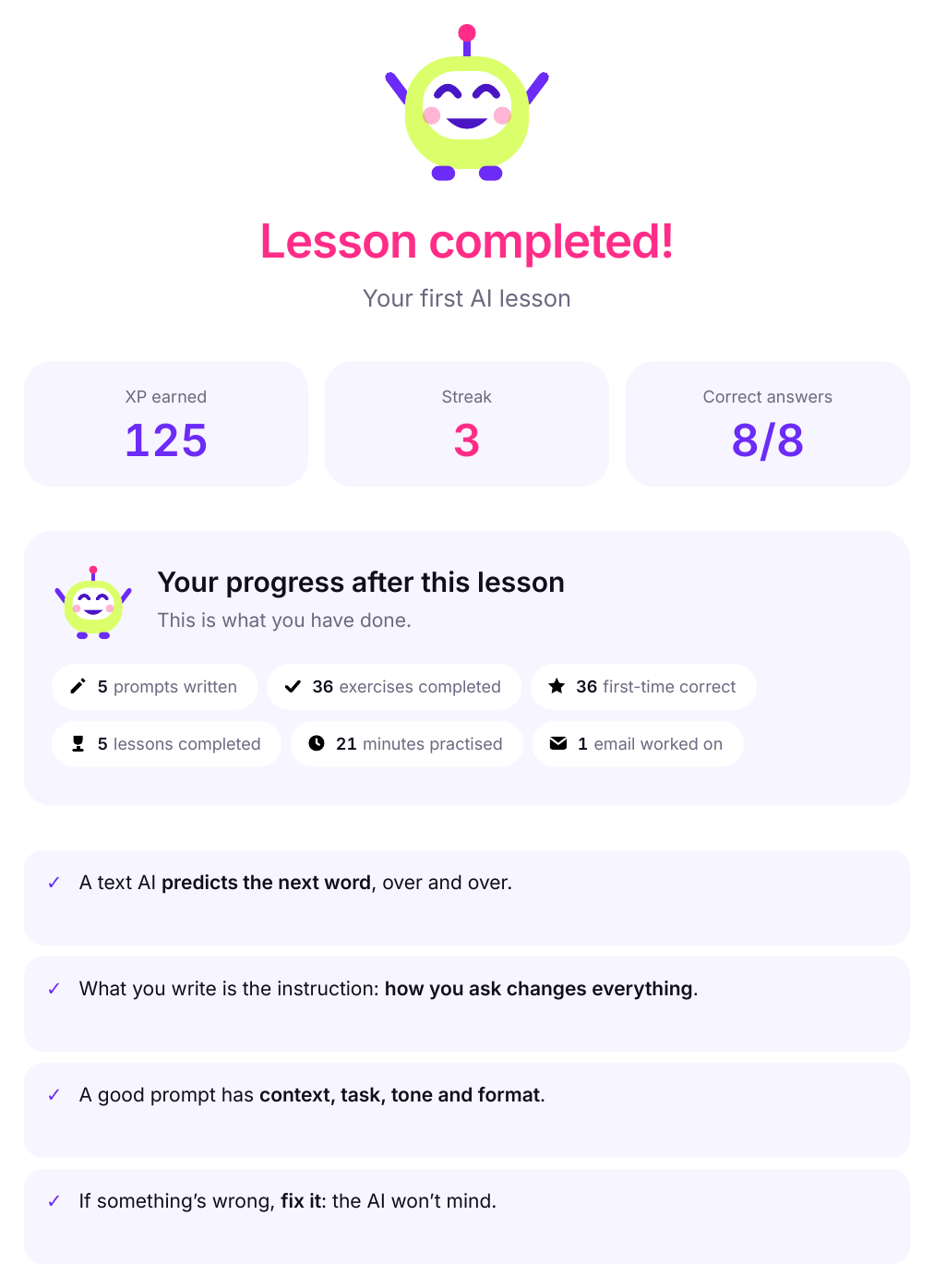
Start from scratch, with 20 short interactive lessons you answer with your thumb. 3 to 8 minutes each.
- 20 short interactive lessons
- 3-8 minutes each
- on your phone
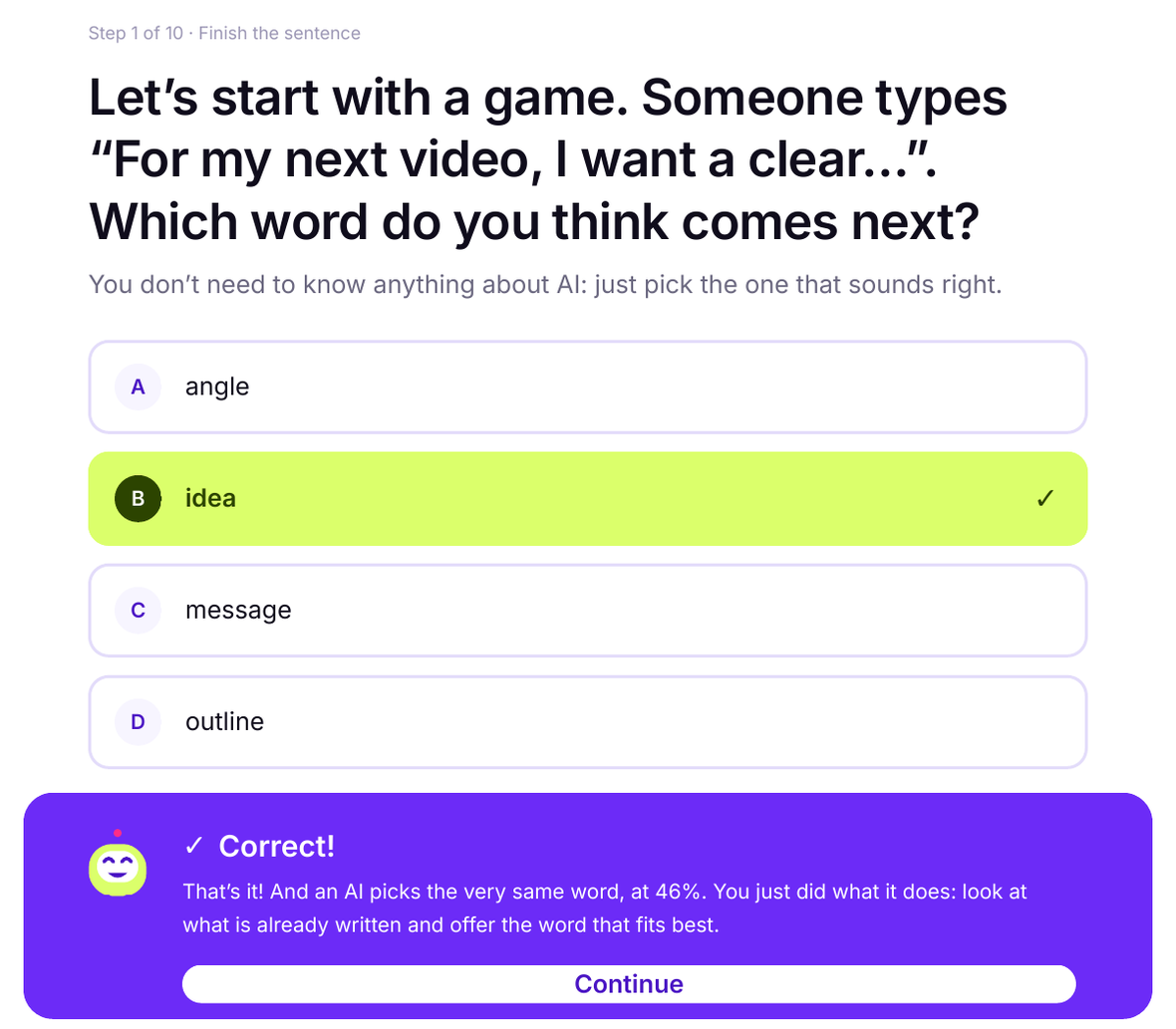
Step 1 of 10 · Finish the sentence
Let’s start with a game. Someone types “For my next video, I want a clear…”. Which word do you think comes next?
You don’t need to know anything about AI: just pick the one that sounds right.
Correct!
That’s it! And an AI picks the very same word, at 46%. You just did what it does: look at what is already written and offer the word that fits best.
ContinueBy the end, this takes you minutes
- The email that eats your morning, written in two minutes, in your voice.
- A long document, cut down to the part that affects you.
- A meeting prepared before you walk in, with notes when you walk out.
- A made-up fact, caught before you forward it in your name.
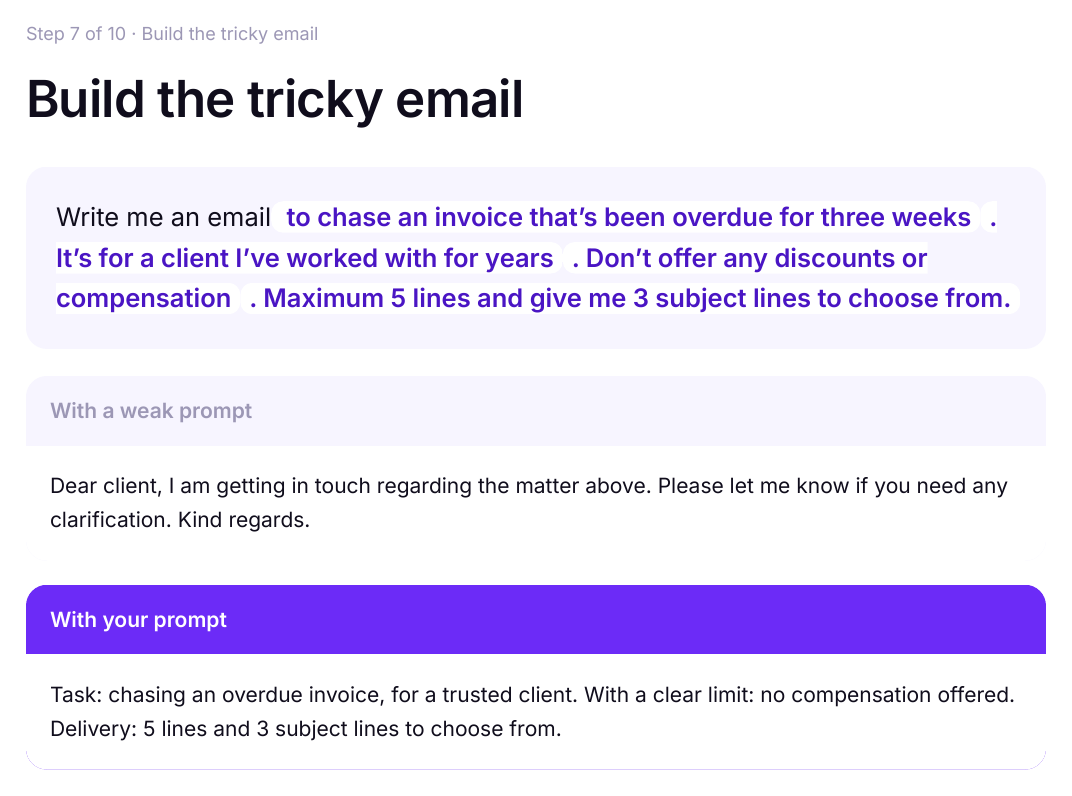
Every lesson is a 3-to-8 minute game
Who this is for, and who it isn’t
For non-technical professionals who want to use AI for real work: email, documents, meetings and clients.
Starting is free. Carrying on costs once.
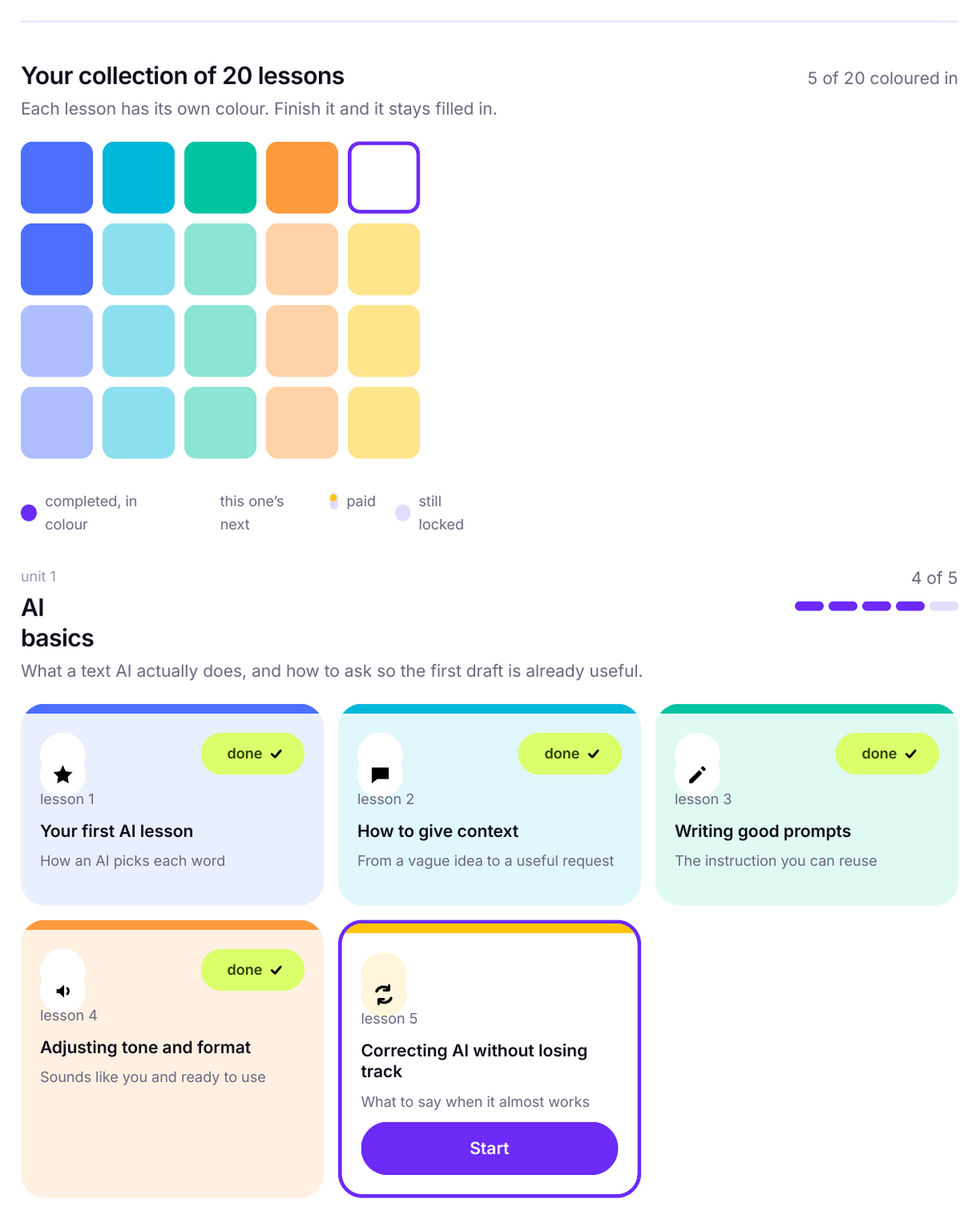
The first 3 lessons are complete and free. The rest of the course — the 17 lessons left — is Bit AI School Complete.
- The first 3 lessons, free forever.
- You pay once. No renewals and no later charges.
- Lifetime access to all 17 lessons in the full plan.
- Any new lessons added, included.
14-day money-back guarantee
You can also start free now and decide later. Start lesson 1
Common questions about learning to use AI
Short answers to what people ask us most before they start.
Which AI tool do I need for the course?
Any free AI chat: ChatGPT, Claude or Gemini all work. The course teaches you how to ask well rather than how to drive one brand, so what you learn carries across all three.
Can you learn to use AI without being technical?
Yes. You do not need to code or understand the maths behind a model: you need to describe what you want clearly.
Bit AI School is written for people who aren’t technical, in lessons of 3 to 8 minutes that practise on real work tasks.
What languages is the course in?
Spanish, English and French, and all three versions are complete: the 20 lessons, the exercises and the corrections. Spanish lives at bitaischool.com, English at /en and French at /fr.
You switch language from the header and your progress follows you.
What does the course cover and how long does it take?
20 lessons across 4 units, 114 minutes of course in total. Each lesson takes 3 to 8 minutes on your phone, with an explanation, exercises marked as you go and a short recap.
Lesson 1 opens with a one-tap question: 3 to 8 minutes.